Plokama
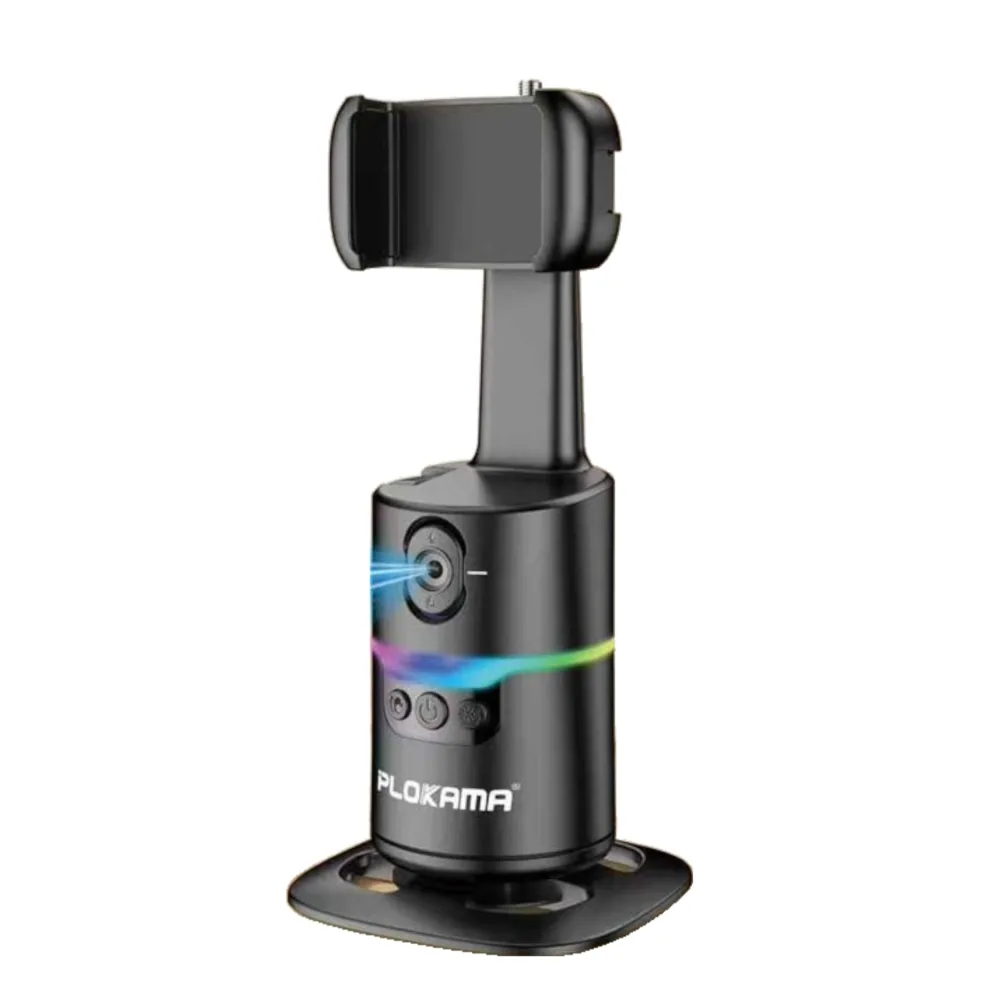
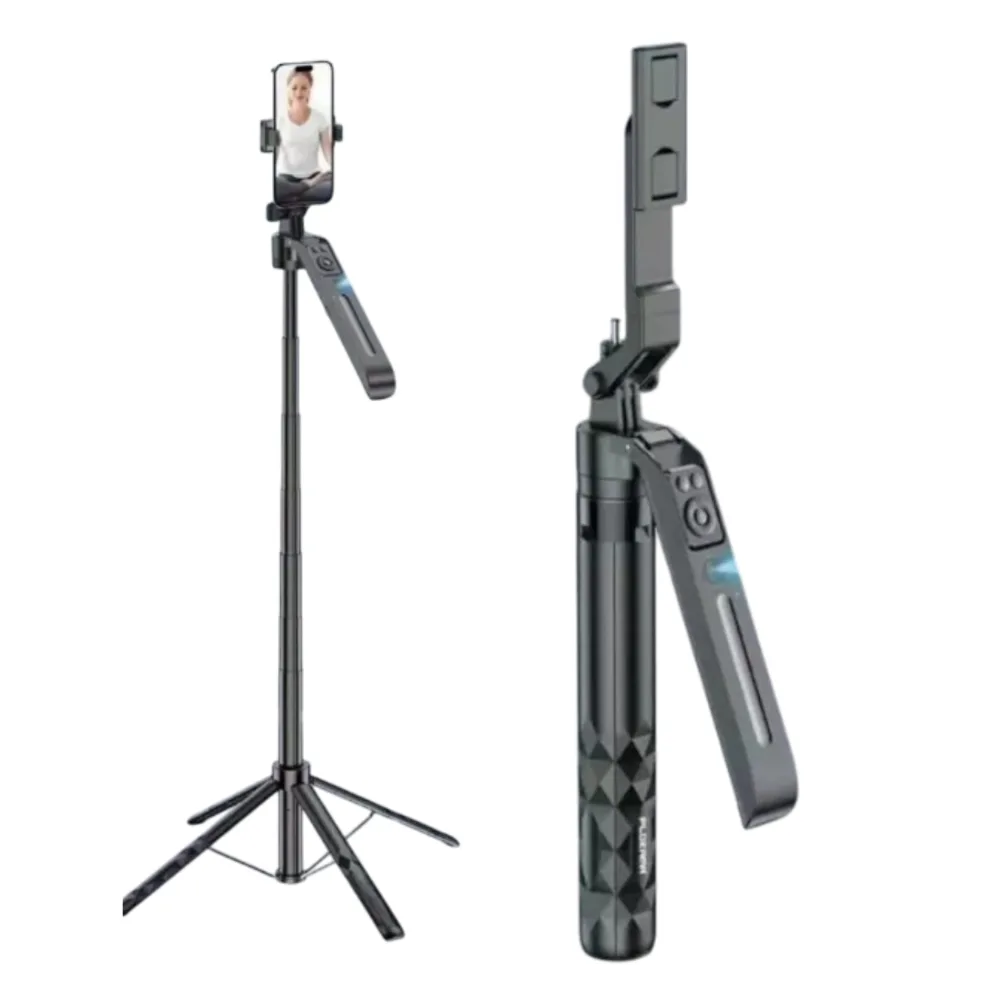
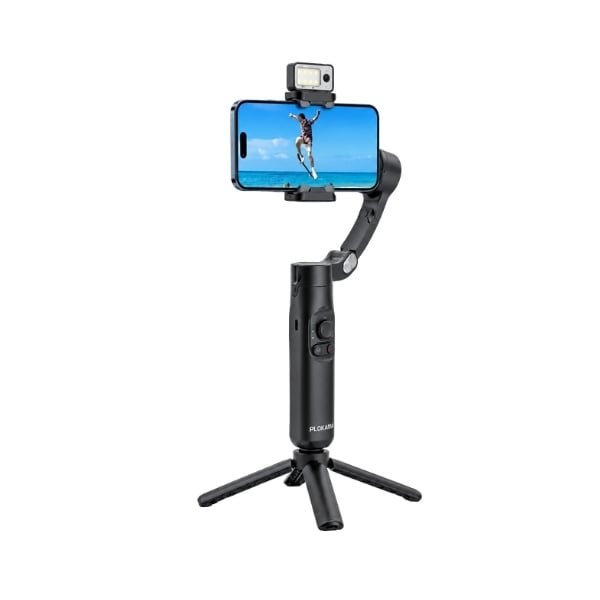
Plokama Auto-A7 AI 360° Rotating Tripod Portable Selfie Stick with Automatic AI Face Tracking
Rs. 8,299.00
Out of stock
| Brand | Plokama |
|---|
Make smartphone recording more convenient with the PLOKAMA Gimbal-X5 Pro. Designed for mobile photography and video, this smartphone stabilizer is suitable for vlogs, product demonstrations, tutorials and everyday content creation.
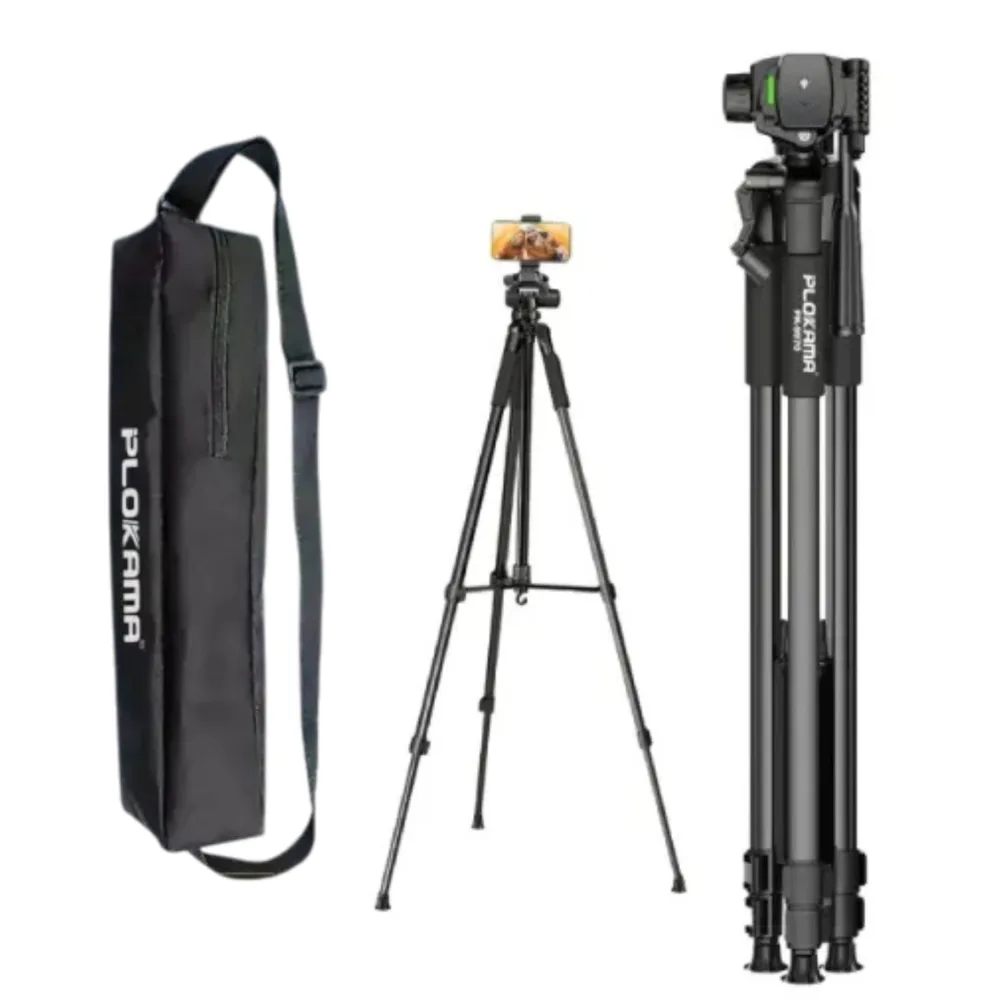
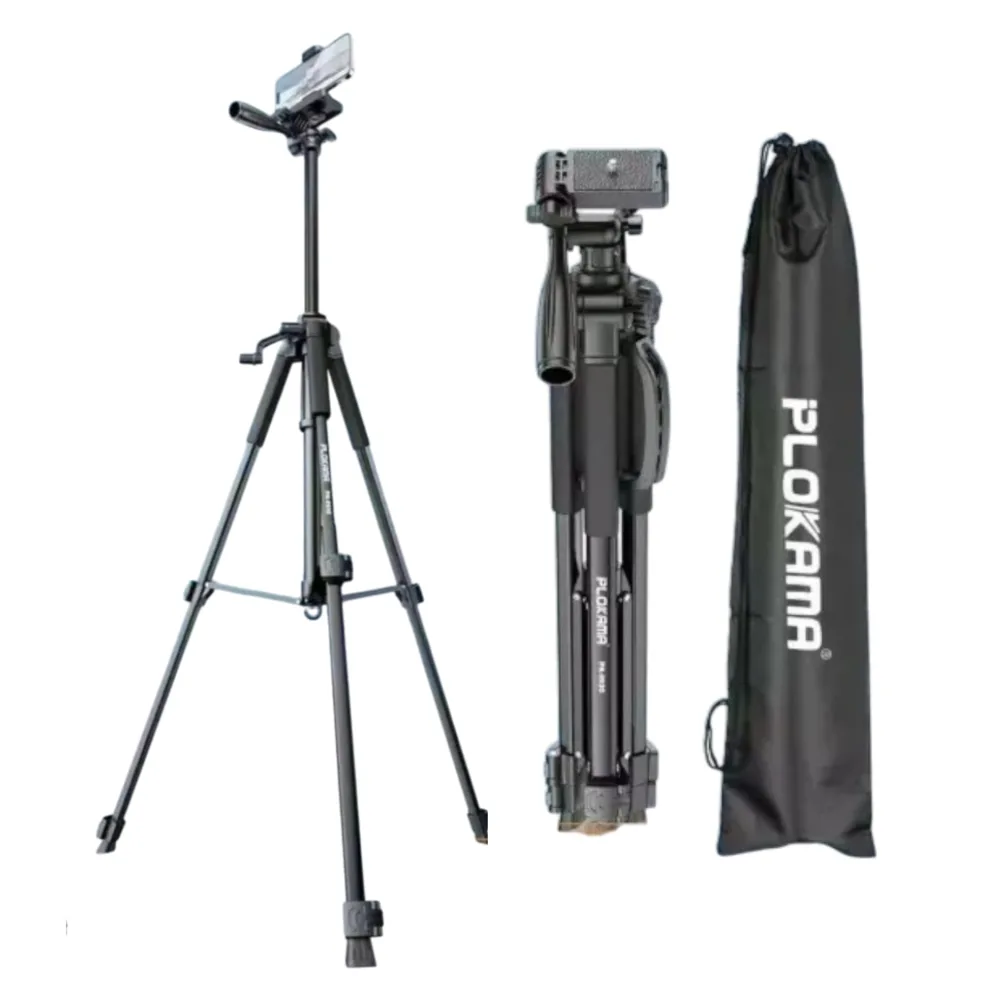
Its advertised AI face-tracking function helps follow the subject during recording. The tripod setup offers a practical way to position your phone for presentations and other stationary videos, while the fill-light feature provides extra illumination for nearby subjects.
1. What is the PLOKAMA Gimbal-X5 Pro used for?
Answer: It is a smartphone filming accessory designed to support steadier handheld recording and stationary filming. It is useful for vlogs, tutorials, product videos and social media content.
2. Is it compatible with my smartphone?
Answer: Retailers list compatibility with smartphones up to 7 inches. However, confirm the holder’s fit and supported phone weight before buying, particularly if you use a thick case.
3. Does it support AI face tracking?
Answer: AI face tracking is advertised for the X5 Pro. Follow the supplied instructions to activate it; the exact app requirements and supported tracking modes have not been verified.
4. How do I set it up?
Answer: Secure your phone in the holder and follow the manual’s mounting and balancing instructions before switching on the motors. For tabletop recording, place the tripod on a stable, level surface.
5. Does it connect through Bluetooth?
Answer: Some retailer listings mention Bluetooth control, but the Bluetooth version, pairing procedure and supported camera commands are not consistently documented. Check the supplied manual for your unit.
6. Does it include a light?
Answer: Retailers advertise a fill-light feature for this model. The light’s exact power, brightness settings and attachment arrangement should be confirmed against your package.
7. How is the gimbal charged?
Answer: A USB-C charging input is listed for the X5 Pro. Use the charging supply specified on the device or in its manual; a wall charger has not been confirmed as included.